

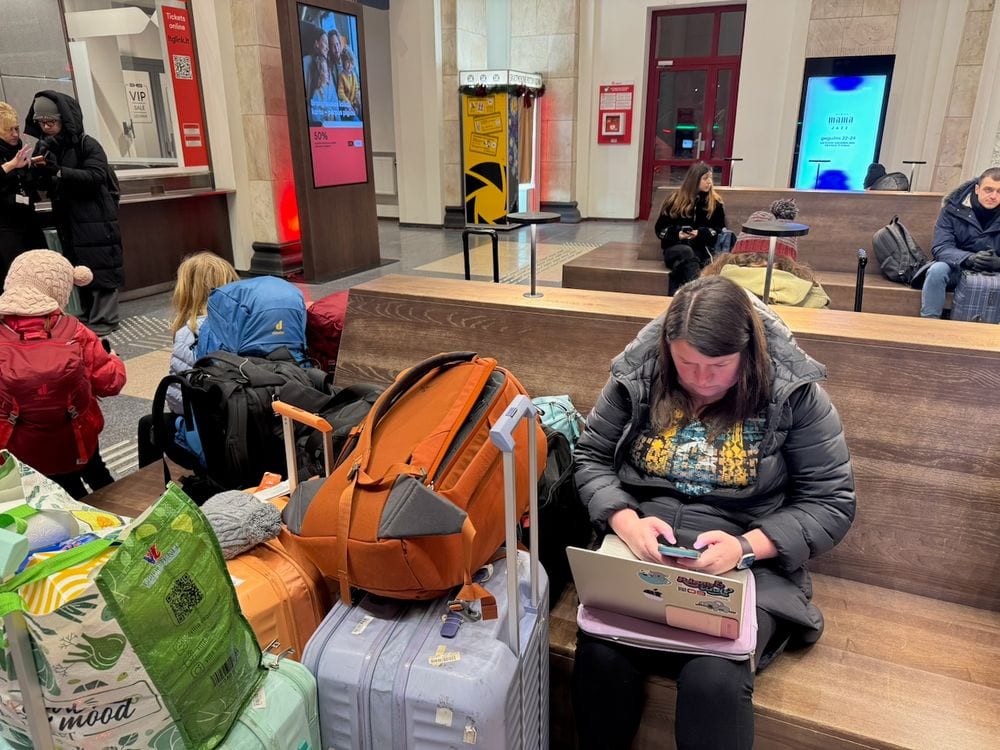
We have installed Holafly eSIMs on five devices, in 19 countries as of August 2026, for nearly four years of full-time family travel. Japan for over 300 days. Vietnam for over 300 days. A winter loop through seven European countries on one regional eSIM. A week in Shanghai testing whether the built-in VPN actually works behind the Great Firewall. It does, and we will get to that.
This is the review we wish someone had written for us before the afternoon our data cut out mid-navigation in rural Kyoto with three hungry children in the backseat. Holafly is our pick for most travelers, but it has real limitations, and this page covers all of them, plus the fixes for when an eSIM refuses to connect at the worst possible moment.
Holafly eSIM
Works on every purchase, not just your first.
Use code ADAMANDLINDS for 5% off destination plans or 10% off monthly Plans.
Get your Holafly eSIMWhat is Holafly and how does it work?
Holafly is an eSIM provider founded in Spain in 2017, now headquartered in Dublin. An eSIM is a digital SIM embedded in your phone. You buy a plan, scan a QR code, and you are on a local network minutes after landing, without swapping physical SIM cards or paying roaming fees.
What separates Holafly from providers like Airalo and Saily is unlimited data. Competitors sell capped packages of 1GB, 5GB, or 20GB. Holafly sells a flat daily rate with no cap, subject to fair use. For a family of five burning through Google Maps, translation apps, FaceTime calls to grandparents, and the occasional Bluey episode on a long train, that difference decides the purchase.
Holafly at a Glance
- 200+ countries covered
- Unlimited data (fair use policy applies)
- 1 to 90-day plans, plus monthly Plans subscriptions
- Hotspot included: allowance varies by destination
- Destination eSIMs are data-only; use WhatsApp or FaceTime for calls, and the Unlimited Plan adds a number for incoming SMS
- 24/7 support via chat, WhatsApp, and email
What are the disadvantages of Holafly?
We have installed dozens of these. Here is everything that has annoyed us.
Destination eSIMs are data-only, with no calls or SMS
Holafly destination eSIMs and the Light Plan do not support traditional phone calls or SMS. You communicate over data: WhatsApp, FaceTime, Zoom, Messenger. For us this is rarely a problem, but it bites in specific situations. Some hotel check-ins want a phone call. Two-factor codes sent by SMS will not arrive on a data-only eSIM. The Unlimited Plan, bought from November 2025 onward, adds a dedicated US, UK, or Canada number that receives SMS only, which covers verification codes but still cannot make calls or send texts. On the data-only products our workaround is dual SIM: we keep our home carrier alive on a cheap plan for verification texts, and Holafly carries everything else. Every modern iPhone and most Androids handle this in settings without drama.
Hotspot allowance varies by destination
You get unlimited data on the device itself, but the hotspot allowance varies by destination. Through our months based in Da Nang, we planned around this daily: phones handled the heavy tasks directly, and the hotspot allowance was rationed for the girls' iPads during worldschooling lessons. It works, but it takes coordination, and a family running three tablets off one phone will feel the ceiling by lunchtime.
The monthly Plans subscription removes this problem with unlimited hotspot, which is the main reason it is what we actually run now.

Fair use throttling is real
Unlimited carries an asterisk. Local partner networks enforce fair use, and heavy single-day consumption can slow your speeds. We have hit it a handful of times, always on days when we were uploading YouTube footage while the kids streamed. Harper once discovered Netflix downloads on a bullet train and the whole family paid the price by dinner. For normal use, maps, messaging, social media, browsing, and moderate streaming, we rarely notice throttling at all.
It costs more than capped competitors
Holafly is not the cheap option. Here is the honest math for a 7-day Japan trip:
| Provider | Plan | Price | Daily Rate |
|---|---|---|---|
| Holafly (unlimited) | 7 days unlimited | $27.30 | $3.90/day |
| Airalo | 1GB | $4.50 | $0.64/day |
| Airhub | 1GB | $1.55 | $0.22/day |
If 1GB covers your week, buy the cheaper product. The gap closes fast once you need 5GB or more, and disappears entirely if running out of data mid-trip would ruin your day. We pay the premium for never thinking about it.
Regional plans have coverage gaps at borders
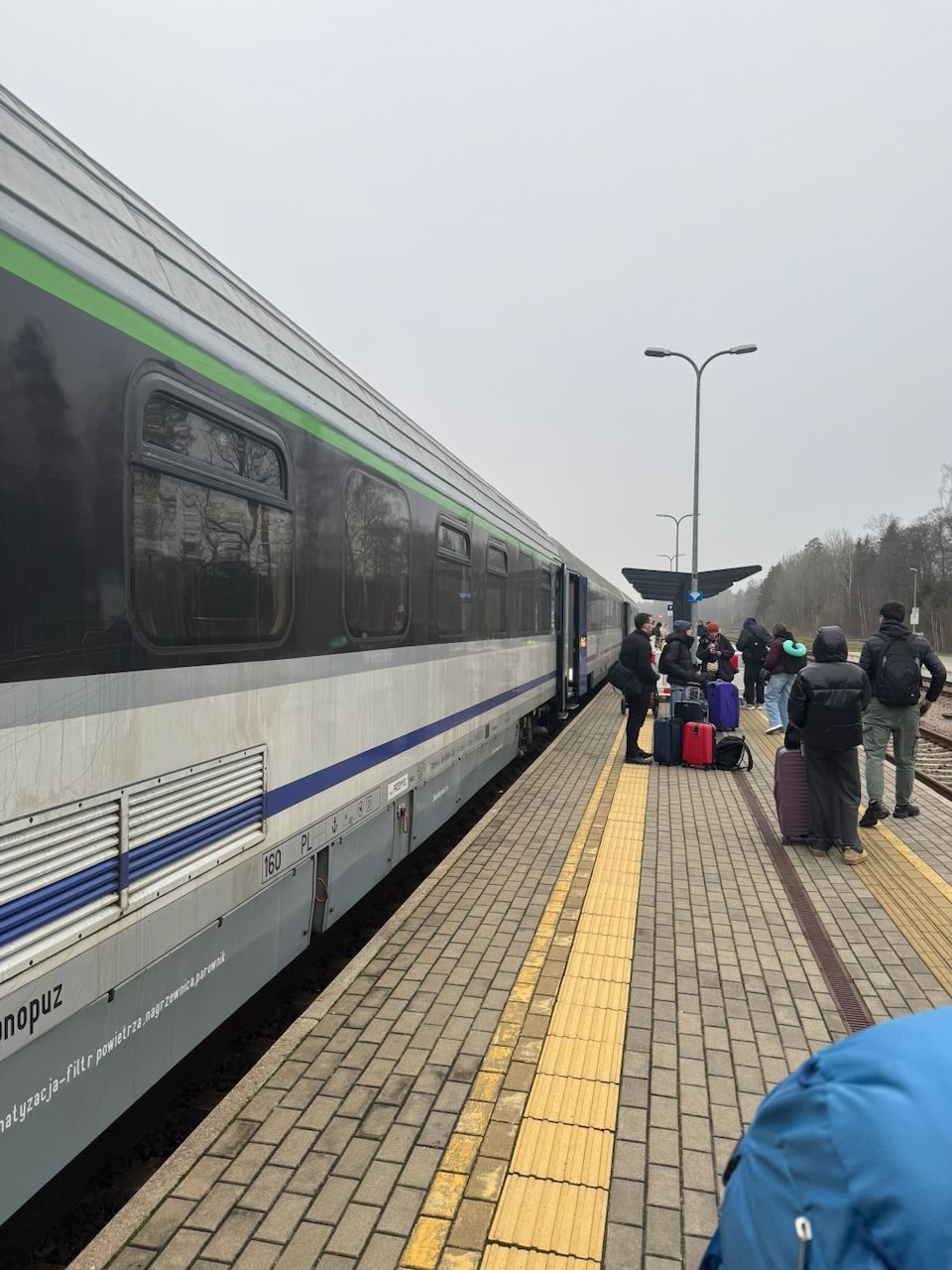
Regional eSIMs cover most of a region, not all of it. We took Holafly through seven countries last winter: Denmark and Sweden in November 2025, then Czechia, Poland, Lithuania, Latvia, and up to Rovaniemi in Finnish Lapland in January 2026. Coverage inside each country was solid, including on regional trains through rural Poland. The one wobble was the rail crossing from Poland into Lithuania on December 18, where service briefly dropped around the border stop at Pagrudai before picking back up. Check the country list on any regional plan against your actual route before buying, especially if your itinerary touches the edges of the map.
The app has quirks
The My eSIMs page sometimes lags on activation status, so you cannot always trust the remaining-days display. It has also switched itself to Spanish on us more than once, which tracks with the company's origins but is unhelpful at midnight in a country where you are troubleshooting. None of this matters much in practice; everything the app does can be done on the website and in your phone's own settings.
Is Holafly reliable?
Yes, with the caveat that your connection is only ever as good as the local partner network. Here is what that has looked like for us, by place and date.
Japan
Holafly rides on NTT Docomo. Across our 300+ days, including a three-month Osaka base for cherry blossom season in spring 2026, coverage held everywhere we went: the Osaka subway, the Shinkansen at full speed, small towns in between. Docomo is the network we would choose if we lived there, and Holafly puts you on it.
Vietnam
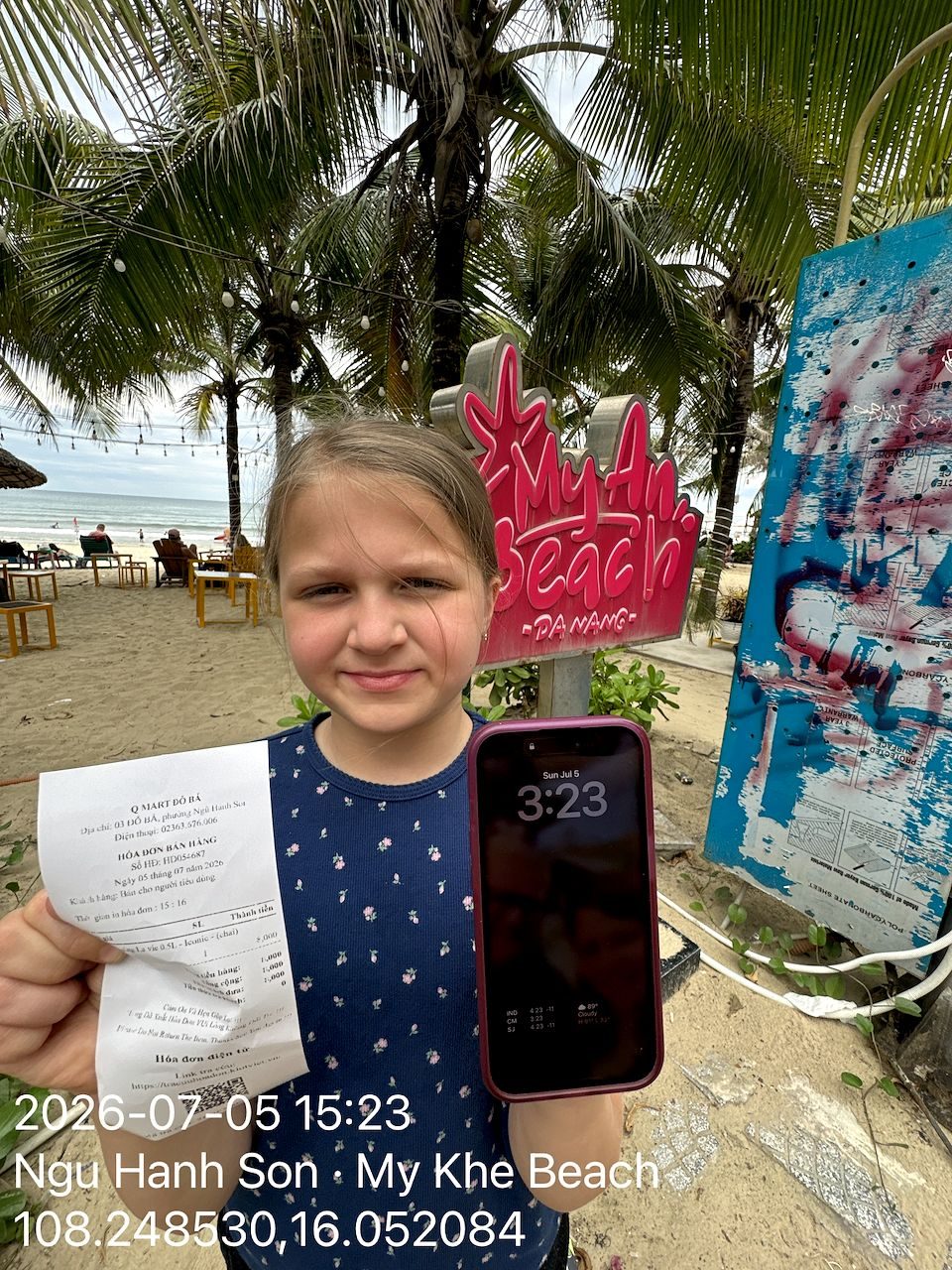
Our current base. Coverage in Da Nang is strong enough that we run video calls from beach cafes without thinking about it. Rural stretches between cities get patchy, exactly as they do for locals on the same networks.
Europe in winter
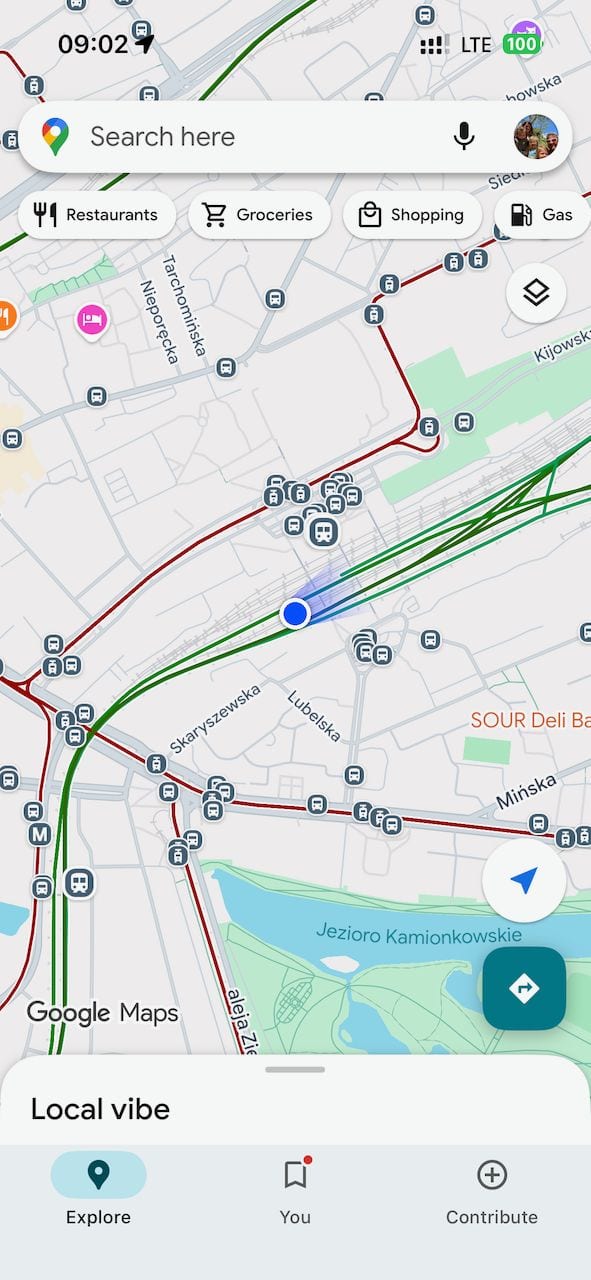
The seven-country loop, November 2025 through January 2026. One eSIM, one setup, no swaps at any border, and the only drop was the Pagrudai crossing mentioned above. December 18 alone involved a Warsaw tram transfer, an intercity train, and a border crossing, all navigated from a phone.
China
We spent a week in Shanghai in September 2025 specifically to test the China eSIM, which includes a built-in VPN. Google, WhatsApp, and Instagram all worked without a separate VPN app, while the standalone VPN we brought as a backup struggled. The 7-day plan cost us $27.30. That trip has its own full write-up in our China eSIM review.

Support
The 24/7 chat has answered us within minutes from every time zone we have tried it in. Simple questions get resolved in one exchange. Activation problems take more back-and-forth but have always been resolved.
When things go wrong
No provider hits 100%. We have had activations that needed a second attempt and days where coverage was inconsistent. The Kyoto cutout in the opening of this review was the worst of it in four years. Every failure we have had was fixed by the steps below or a support chat. The negative reviews you will find online cluster around three things: local network problems in specific destinations, surprise at the data-only limitation, and fair use throttling. All real, all covered above.
How to fix a travel eSIM that won't connect
Check the basics
Confirm your device is eSIM-compatible (look for an EID number under Settings > General > About), that your phone is unlocked (Settings > General > About > Carrier Lock should say "No SIM restrictions"), and that you are already in the eSIM's coverage area. A Japan eSIM will not activate while you are still at your departure airport.
Enable data roaming
This is the number one reason travel eSIMs fail. Holafly connects via a roaming agreement with a local carrier, so data roaming must be on. On iPhone: Settings > Cellular > select your Holafly eSIM > turn on Data Roaming. On Android: Settings > Network & Internet > SIMs > select your Holafly eSIM > enable Data Roaming. Keep data roaming off on your home SIM to avoid charges from your regular carrier.
Set Holafly as your primary data line
If both your home SIM and Holafly eSIM are active, your phone may be routing data through the wrong one. On iPhone: Settings > Cellular > Cellular Data > select your Holafly line. On Android: Settings > Network & Internet > SIMs > select Holafly for mobile data.
Toggle airplane mode
Turn airplane mode on, wait 10 to 15 seconds, then turn it off. This forces your phone to drop all radio connections and register fresh with available networks. It works more often than it should.
Restart your phone
Power completely off, wait 30 seconds, power back on. This clears temporary software glitches and forces a clean reconnection. If airplane mode did not work, a full restart usually will.
Manually select a network
Your phone may be stuck trying to connect to an incompatible carrier. On iPhone: Settings > Cellular > select Holafly line > Network Selection > turn off Automatic > choose a carrier from the list. On Android: Settings > Connections > Mobile Networks > Network Operators > turn off automatic > select a carrier. If you are unsure which carrier to pick, Holafly support can tell you their local partner in your destination.
Check APN settings
In rare cases the Access Point Name settings do not configure automatically. Contact Holafly's 24/7 support chat and they will give you the correct APN values for your destination to enter manually.
Contact Holafly support
If none of the above worked, reach out via the website chat, WhatsApp, or email at [email protected]. Have your order number ready and screenshots of your cellular settings. Their team is available 24/7 and can usually diagnose the issue quickly.
Do not delete your eSIM profile. Unlike a physical SIM, the QR code is single-use. If you delete the profile, you cannot reinstall it with the same code and will need to contact Holafly support for a replacement.
Why is my eSIM service so bad? (Slow speeds, dropped connections)
If you are connected but crawling, it is almost always one of four things. Congestion: in a packed city center at peak hours every network slows, and moving a few blocks or waiting an hour fixes it. Fair use throttling: covered above; back off the streaming and it resets. Wrong network band: toggle airplane mode, or manually select the partner carrier in your network settings. Local infrastructure: in rural areas the eSIM can only deliver what the local network has.
Whatever the cause, download offline maps and translation packs before you leave the city. This habit has saved us repeatedly in rural Vietnam, and it costs nothing but a few minutes on hotel WiFi.
Holafly pricing: what does it actually cost in 2026?
Holafly's pricing is a flat rate for unlimited data based on the number of days you need. Longer plans have lower per-day rates. A snapshot of popular destinations:
| Destination | 7 Days | 14 Days | 30 Days |
|---|---|---|---|
| Japan | $27.30 | $47.90 | $74.90 |
| Thailand | $27.30 | $47.90 | $74.90 |
| USA | $29.90 | $47.90 | $74.90 |
| Europe Regional | $27.30 | $47.90 | $74.90 |
| China | $29.90 | $47.90 | $74.90 |
When monthly Plans make more sense
Past 30 days of travel, or across multiple countries, the monthly Plans subscription wins on price and removes the hotspot cap. One eSIM covers 160+ destinations, and the Always On feature keeps 1GB per month alive in 150+ destinations even if you pause the subscription, so you never land anywhere completely dark.
Light Plan
$49.90/month
25GB across 160+ countries
Hotspot included. Good for moderate data users.
Get Light PlanUnlimited Plan
$64.90/month
Unlimited data across 160+ countries
Unlimited hotspot. What we actually use as a family of five.
Get Unlimited PlanThe Unlimited Plan works out to roughly $2.16 per day with unlimited hotspot. That is what runs our family of five today, and what we wish had existed in 2022 when we were juggling a separate eSIM for every border.
How to get the most out of your Holafly eSIM
Install before you fly. Set the eSIM up at home on WiFi, confirm it appears in cellular settings, and only enable data roaming after landing. This turns arrival into a 30-second task instead of an airport troubleshooting session with jet-lagged kids.
Screenshot the QR code. It arrives by email and is single-use. Having the screenshot saved locally prevents the immigration-line email search.
Download offline maps anyway. Underground metro stations and rural gaps do not care how unlimited your plan is. We do this for every new country without exception.
Keep your home SIM active. Dual SIM with your home number for verification codes and Holafly for data is the right configuration for almost everyone.
Restrict the kids' devices. Unlimited data plus unsupervised children equals fair use throttling for everyone. Screen time limits on the iPads protect the whole family's speeds. We learned this on a bullet train.
Buy a buffer day. Flights delay and plans change. One extra day on the plan costs a few dollars and has covered us more than once.
Our verdict: is Holafly worth it in 2026?
After nearly four years and every major provider tested, Holafly is still what we put on our own phones. The data-only limitation on destination eSIMs is a configuration detail, not a dealbreaker. The hotspot cap on destination plans is the one disadvantage that genuinely constrains a family, and the monthly Plans subscription exists precisely to remove it. The fair use policy only bites if you treat cellular data like home broadband.
What you are buying is the absence of a problem. Nobody hunts for a SIM shop on arrival, nobody watches a data meter, and the bill is the same number every time. For a one-week vacation the destination eSIM costs less than lunch for five. For a life like ours, the monthly Plan is infrastructure.
Ready to stay connected on your next trip?
Check live Holafly prices below. For the current discount code and checkout proof, see our Holafly discount code page.
Get your Holafly eSIMSee monthly PlansFAQ
Holafly disadvantages, reliability, and eSIM fixes
The honest answers on what Holafly does well, where it falls short, and how to fix common eSIM issues.
The primary disadvantages are that destination eSIMs are data-only with no traditional calls or SMS, the hotspot allowance varies by destination, speeds can reduce under fair use policies after heavy usage, and pricing is higher than capped-data competitors. The monthly Plans subscription removes the hotspot cap, and the Unlimited Plan adds a number for incoming SMS.
In our experience across 19 countries as of August 2026, over nearly four years of full-time family travel, yes. Holafly partners with major local carriers in each destination, such as NTT Docomo in Japan, so connection quality matches the best local network. Coverage in remote areas reflects local infrastructure, as it would with any SIM.
The most common cause is data roaming not being enabled. Go to your phone's cellular settings, select your Holafly eSIM line, and turn on data roaming. Other fixes include toggling airplane mode, restarting your phone, confirming Holafly is set as your primary data line, and checking your device is unlocked and eSIM compatible. Never delete the eSIM profile, because the QR code is single-use and cannot be reinstalled.
Slow speeds are usually caused by network congestion in busy areas, fair use throttling after heavy data consumption, or connection to a suboptimal network band. Try toggling airplane mode to force a fresh connection, manually select a different carrier in your network settings, or reduce data-heavy activity like video streaming. In rural areas, speeds reflect the local network infrastructure.
Holafly plans have no hard data cap, but they are subject to fair use policies. After significant daily consumption, the local carrier may reduce your speeds. You will not lose data access entirely. For typical travel use such as maps, messaging, social media, and moderate browsing, unlimited data performs as advertised.
Yes. Most destination plans support hotspot, with an allowance that varies by destination. The monthly global Unlimited Plan includes unlimited tethering, which is the option we use as a family of five.
Holafly destination eSIMs and the Light Plan are data-only, with no traditional calls or SMS. The Unlimited Plan adds a US, UK, or Canada number that receives SMS only, but no Holafly product supports traditional calls. You can make voice and video calls through WhatsApp, FaceTime, Zoom, or Facebook Messenger over the data connection. For a local number that can send texts or make calls, keep your home carrier active alongside the Holafly eSIM in a dual SIM setup.
Holafly offers unlimited data while Airalo sells capped packages. For travelers who want worry-free internet without tracking gigabytes, Holafly is the better fit. For light users who only need 1 to 3GB, Airalo can be cheaper. Both are legitimate providers.
This post contains affiliate links to Holafly. If you make a purchase through our links we may earn a small commission at no extra cost to you. We have used Holafly eSIMs across 19 countries as of August 2026 during nearly four years of full-time travel with our three daughters. All opinions are our own.


