

China has a firewall and we still got 50 Mbps on the Bund. Here is how.
We spent ten days in Shanghai in the fall of 2025, our first real stretch on the mainland, and the internet question was the one that came up most before we left. Friends, family, people in our inbox: how do you stay connected in China? What about Google? What about Instagram? We had the same questions, and we went in with Holafly's China eSIM already installed. This is what we found out.
Holafly China eSIM
Unlimited data on China Mobile's network. Built-in VPN included.
Get Holafly China eSIM Use Code ADAMANDLINDS
Does Holafly work in China?
Yes, and it worked well. Holafly's China eSIM runs on China Mobile's network, the largest carrier in the country, covering all major cities and most of the rail corridors between them. We had consistent 4G signal from the moment we landed at Pudong International Airport through our last day in the French Concession.
The more important question is what "working in China" actually means for a Western traveler. The Great Firewall blocks Google, Instagram, WhatsApp, YouTube, and most Western news sites. Your eSIM gives you a data connection, but that connection is still subject to Chinese censorship rules unless you have something to get around it. This is where Holafly's China eSIM is different from its other destination eSIMs: the China version includes a built-in VPN. You do not need to install one separately. That matters a lot, because VPN apps are often blocked inside China and downloading one after you arrive is genuinely difficult.
We had Google Maps, WhatsApp, and Instagram working without doing anything beyond activating the eSIM. The VPN is handled on Holafly's end.

What we actually used it for in Shanghai
Navigation in Shanghai is non-trivial with three kids, a metro system in Mandarin, and zero street signs you can read. Google Maps worked continuously. We used it to get from our apartment in Jing'an to Zhujiajiao Ancient Town, to find a specific alley in the French Concession, and to figure out which exit of People's Square to take. None of that would have been possible without reliable internet.
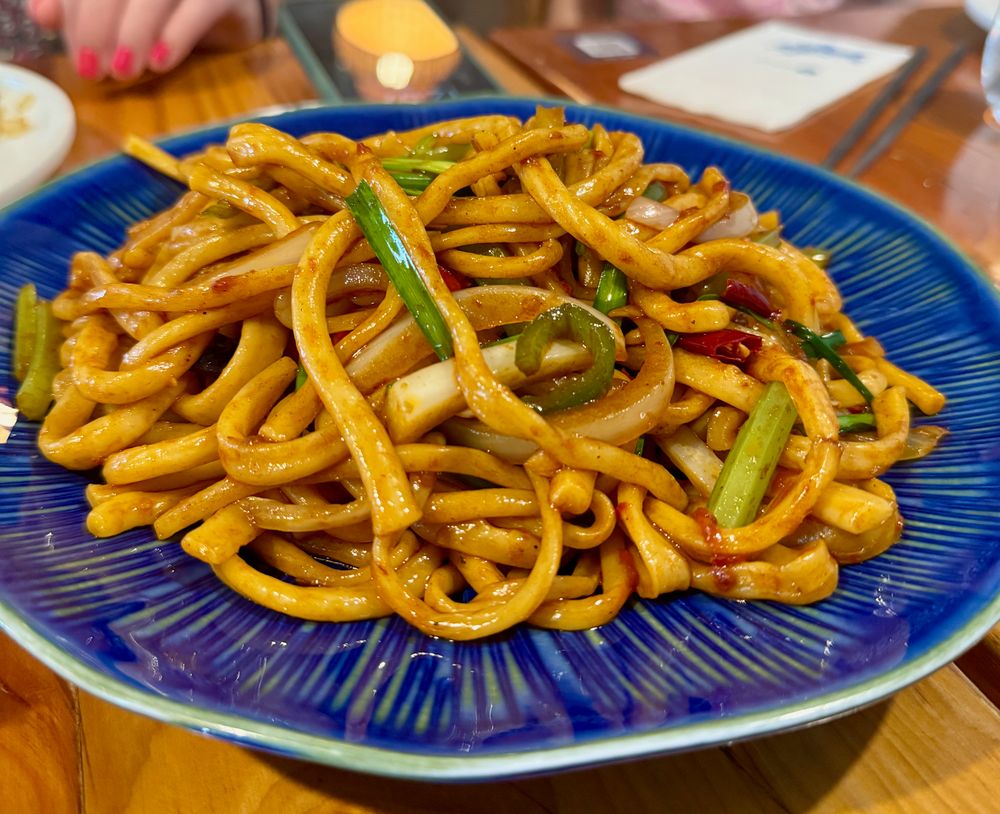
We did a Lost Plate food tour (use code ADAMANDLINDS for $5 off) through Jing'an and Dapuqiao, and our guide communicated between stops via WeChat voice messages. Having working WhatsApp meant we could stay in contact with family back home throughout the day without any workarounds. The food was extraordinary. The sheng jian bao in Dapuqiao might be the best single bite of food we ate in all of 2025.


Holafly China eSIM pricing
Holafly sells China eSIMs by duration, with all plans offering unlimited data. Use code ADAMANDLINDS at checkout for 5% off.
| Duration | Price | Best for |
|---|---|---|
| 5 days | ~$19.90 | Short visa-free transit |
| 10 days | ~$36.90 | 240-hour transit visa |
| 15 days | ~$49.90 | Two-week trip |
| 30 days | ~$64.90 | Long stay or slow travel |
If you are staying in China for longer than 30 days, or you travel frequently across multiple countries, Holafly's monthly Plans are likely better value. The Light Plan ($49.90/month, 25GB) and Unlimited Plan ($64.90/month) cover 160+ destinations on a single eSIM, which makes more sense than buying individual destination eSIMs every trip. Code ADAMANDLINDS stacks for additional savings at checkout.
Holafly
Use code ADAMANDLINDS for 5% off destination eSIMs, 10% off Holafly Plans, and stacks with annual billing.
Shop Holafly China eSIMSetting up the eSIM before you fly
This is the most important logistical point in the whole article: set the eSIM up before you land in China. You buy it online, receive a QR code by email, and install it on your phone at home while you still have normal internet access. Once you are in China, you switch your active data line to Holafly and it connects automatically to China Mobile's network.
If you try to do this after landing, you are relying on airport or hotel Wi-Fi. Neither is a disaster, but there is no reason to add the extra step. We installed ours the evening before departure and it showed up instantly in phone settings. Compatible devices are eSIM-capable iPhones (XS and later), most recent Samsung Galaxy and Pixel models, and others. Check Holafly's compatibility list before purchasing if unsure. Your regular SIM stays in the phone the whole time for calls and texts from your home number.

The VPN question, properly answered
The built-in VPN on Holafly's China eSIM is what makes it genuinely useful rather than just a data connection. Without VPN, you can access Chinese apps fine (WeChat, Alipay, Baidu Maps, DiDi) but nothing Western. With the built-in VPN active, Google Maps, Gmail, WhatsApp, Instagram, and YouTube all function normally.
Speeds with the VPN active were slower than without it, which is expected. We averaged around 15-25 Mbps in central Shanghai, which was more than enough for navigation, messaging, and occasional video calls. Streaming YouTube in the hotel worked fine. Uploading to Instagram worked. The only time we noticed any lag was during a video call from a moving taxi, which is not a Holafly issue. The VPN is managed by Holafly and activates automatically when you connect to China Mobile's network. You do not need to toggle anything or install a separate app.


What we did in Shanghai (and how connectivity shaped it)
We hit most of the major draws: Shanghai Disneyland, Yu Garden, the Bund, Zhujiajiao Ancient Town, and the food tour circuit through Jing'an and Dapuqiao. Shanghai Disneyland in particular benefits from having reliable data. The app controls ride reservations, Lightning Lanes, and show schedules, and the park map is essentially unusable without it. We had zero connectivity issues the entire day.


Klook
Use code ADAMANDLINDSKLOOK for discounts on activities and tickets.
For tickets and activities, we booked through Klook: Shanghai Disneyland tickets, the Huangpu River cruise, and the Zhujiajiao Water Town tour. Zhujiajiao is about 45 minutes from central Shanghai by car, and getting there without working navigation would have been a guessing game. Google Maps the whole way.

Shanghai activities worth booking ahead
| Activity | From | Notes |
|---|---|---|
| Shanghai Disneyland | $62 | Asia's largest, includes Zootopia land |
| Shanghai Tower | $26 | World's highest post office, 632m |
| Huangpu River Cruise | $13 | Best views of the Bund and Pudong skyline |
| Zhujiajiao Water Town | $53 | Ancient canals, Ming-era bridges, boat ride |
| Yu Garden | $4 | Ming Dynasty garden, Huangpu District |
| ERA Acrobatics Show | $38 | Shanghai Circus World, great for families |


Frequently asked questions
Does Holafly China include a VPN?
Yes. The Holafly China eSIM includes a built-in VPN that activates automatically when you connect to China Mobile's network. You do not need to install or configure anything separately. This gives you access to Google, WhatsApp, Instagram, and other Western services that are normally blocked in China. Buy it here.
Which network does Holafly use in China?
Holafly connects through China Mobile, the largest carrier in mainland China. Coverage is excellent in all major cities and along most intercity rail routes. Rural and remote areas may have reduced signal, as with any carrier in China.
Does Holafly China work in Hong Kong?
No. Hong Kong operates as a separate telecommunications region from mainland China. If you are visiting both, you need separate eSIM plans. Holafly sells a dedicated Hong Kong eSIM on their site.
Can I use hotspot with the China eSIM?
Yes, hotspot is included. You can tether a tablet, laptop, or other device to your phone's data connection. If you plan to use multiple devices regularly, factor that into which plan duration you choose.
Is Holafly China truly unlimited data?
Yes, all Holafly China destination eSIM plans are unlimited. Speeds may throttle slightly at peak times, which is normal across all networks. In our two weeks in Shanghai we did not notice any meaningful throttling.
Do I need to set it up before arriving in China?
Yes, and this matters. Install the eSIM at home by scanning the QR code from your Holafly confirmation email. When you land, switch your active data line to Holafly and enable data roaming. The VPN activates automatically. Do not leave this until you are at the airport in China.
Ready for China?
Get your Holafly China eSIM before you fly. Built-in VPN, China Mobile network, unlimited data.
Get Holafly China eSIMThis post contains affiliate links. We may earn a small commission if you book through our Holafly, Klook, or Lost Plate links, at no extra cost to you, and sometimes with a discount for you too.


